Skip to content
Monge IT Consulting, Inc.
  • About
  • Plans
  • Quote
  • Tips
  • News
  • Testimonials
  • Contact
Monge IT Consulting, Inc.
  • The Best Apple Gifts for 2023

    The Best Apple Gifts for 2023

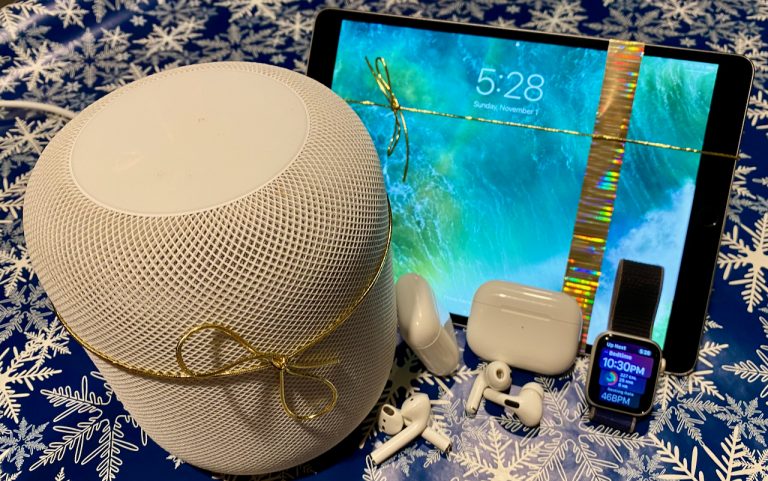
    We’re moving into the holiday shopping season, and if you’re looking for the perfect gift for that special someone, Apple-related gifts are a great choice. Here are our recommendations this year: AirTag Do you know someone who’s always misplacing their keys, purse, or backpack, or who’s planning a trip? They might appreciate Apple’s AirTag trackers….


    Read More The Best Apple Gifts for 2023Continue

  • No, NameDrop in iOS 17 Isn’t a Privacy Concern. Here’s How to Use It

    NameDrop in iOS 17 – Here’s How to Use It

    One of the prominent new features in iOS 17.1 and watchOS 10.1 is NameDrop, which makes it easy to exchange contact information with someone merely by putting your iPhone or Apple Watch next to theirs. When you do that, you can share your contact card and receive theirs, or just receive theirs—nothing happens unless you…

    Read More NameDrop in iOS 17 – Here’s How to Use ItContinue

  • Nine Ways of Moving Data from One Mac to Another

    Nine Ways of Moving Data from One Mac to Another

    When you have a file on one Mac and want to copy it to another Mac, either yours or someone else’s. The best way to go about it varies widely depending on circumstances, including the size of the file and the location of the Macs. Here are some possibilities: Email: It’s easy to attach a…

    Read More Nine Ways of Moving Data from One Mac to AnotherContinue

  • Feel Free to Upgrade to macOS 14 Sonoma When You’re Ready

    Feel Free to Upgrade to macOS 14 Sonoma

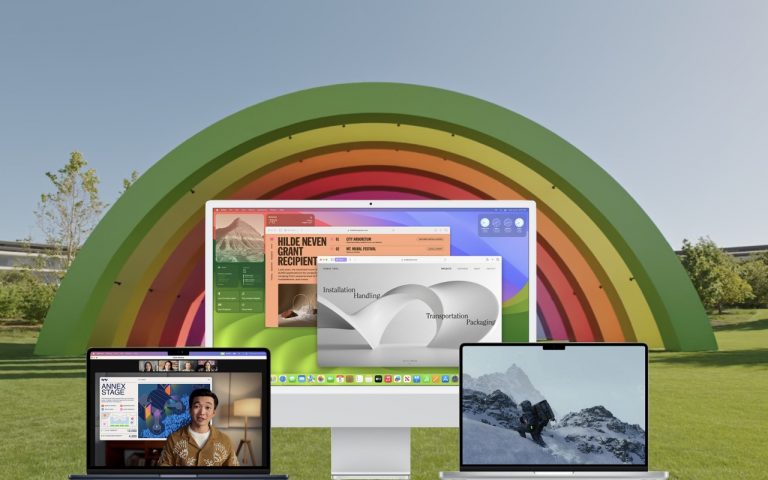
    Although we’re cautious about recommending that people upgrade to the latest major release of macOS, we think that anyone who wants to upgrade to macOS 14 Sonoma can do so now. You do not need to upgrade immediately, but there’s no reason most people need to delay. Our confidence comes from our positive experience working…

    Read More Feel Free to Upgrade to macOS 14 SonomaContinue

  • Locate a Featured Lock Screen Image in Photos

    Locate a Featured Lock Screen Image in Photos

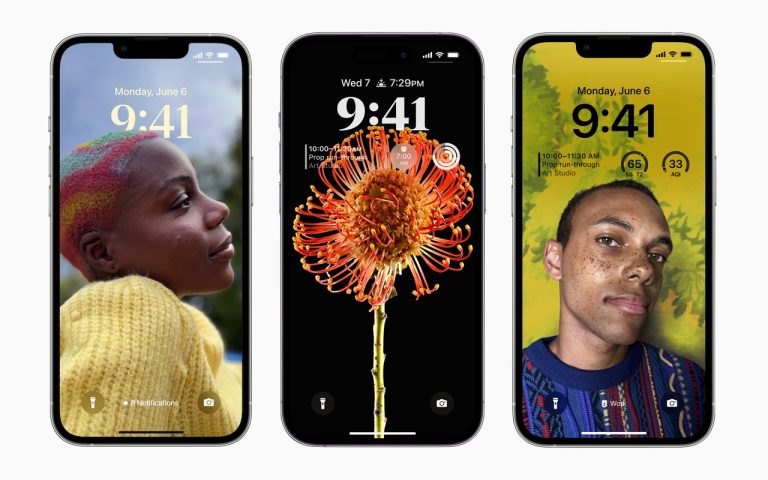
    iOS’s Photo Shuffle wallpaper does a great job of identifying attractive photos for your Lock Screen. However, if you’re like us, you’ll sometimes wonder when or where you took a Lock Screen photo. Here’s how to figure that out. Touch and hold the Lock Screen when it’s displaying the photo in question, tap Customize, tap…

    Read More Locate a Featured Lock Screen Image in PhotosContinue

Monge IT Consulting Logo Color

© 2026 Monge IT Consulting, Inc.

Facebook Linkedin YouTube

Proud supporting partner of Matthias Community!

  • About
  • Plans
  • Quote
  • Tips
  • News
  • Testimonials
  • Contact
Search