Cleaning Up Email on your Mac
Learn how to quickly clean up your OS X Mail.app inbox by using simple tricks to select multiple messages easily.


Learn how to quickly clean up your OS X Mail.app inbox by using simple tricks to select multiple messages easily.

A significant new feature in iOS 14 is Home screen widgets, information-rich tiles that share space on a Home screen with app icons. iPhone users familiar with Google’s Android smartphone operating system have long clamored for widgets because they provide quick information at a glance, without having to launch an app or swipe right on…
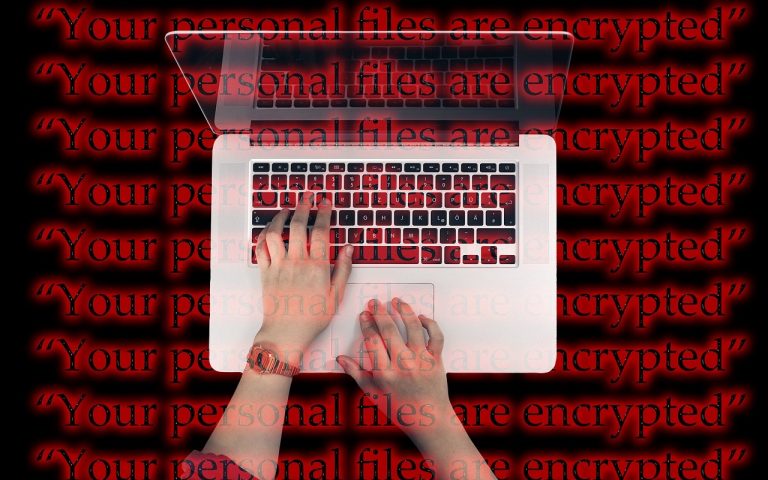
Malware makes headlines regularly these days, and although Macs are targeted far less than Windows PCs, Mac users still need to remain vigilant. A particularly serious type of malware is called “ransomware” because once it infects your computer, it encrypts all your files and holds them for ransom. Luckily, despite the abundance of ransomware in…

Have you heard the term technical debt? It’s what you incur whenever you delay upgrading software and hardware for too long. It’s like forgetting to brush your teeth regularly and putting off dental checkups. There may be no immediate downside, but the ongoing maintenance and low cost of regular cleanings will likely save you from…
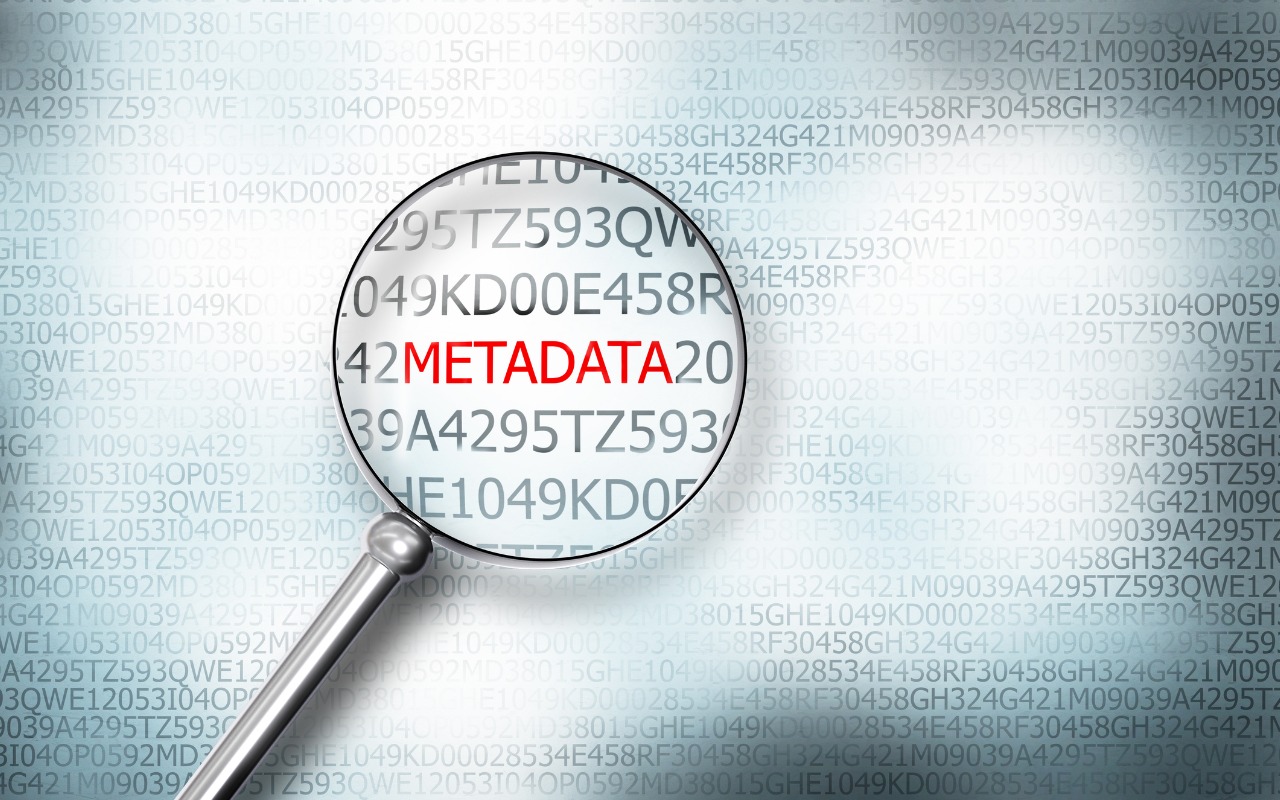
When we share data with others, we do so intentionally—a law firm sending a client legal documents, for instance. But those documents shouldn’t include ancillary information that might reveal other, more sensitive details. Because all digital files contain metadata—additional information about the file or its contents—it’s worth knowing what you could share inadvertently and learning…

When you have a file on one Mac and want to copy it to another Mac, either yours or someone else’s. The best way to go about it varies widely depending on circumstances, including the size of the file and the location of the Macs. Here are some possibilities: Email: It’s easy to attach a…

We recently wrote an article for those who manage their own Internet domain names about using SPF, DKIM, and DMARC to prevent your active domains from being used in phishing attacks and to improve the deliverability of legitimate email. These protections are essential for any domain you use to send or receive messages. But what…