Skip to content
Monge IT Consulting, Inc.
  • About
  • Plans
  • Quote
  • Tips
  • News
  • Testimonials
  • Contact
Monge IT Consulting, Inc.
  • Monge IT Top 7 Interface Tweaks in macOS 26 Tahoe and How to Turn Them Off

    Top 7 Interface Tweaks in macOS 26 Tahoe (and How to Turn Them Off)

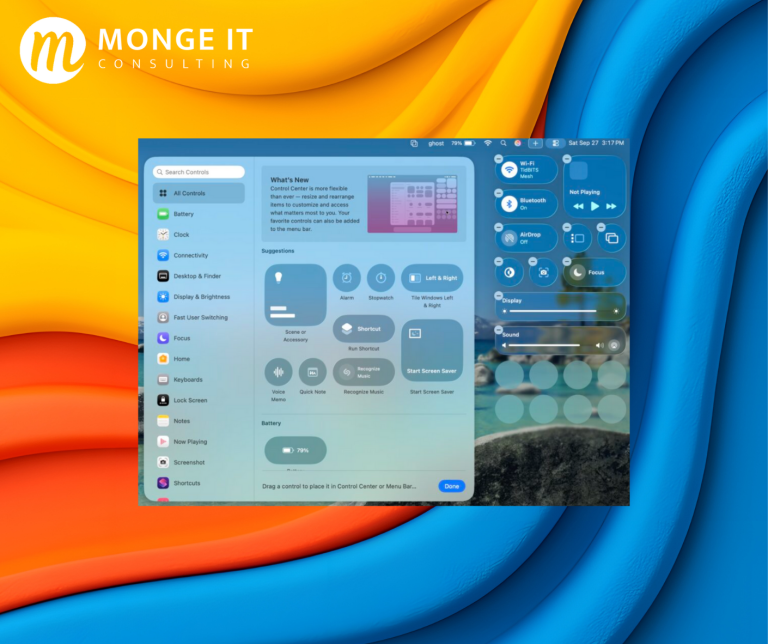
    If your Mac suddenly feels like it got a fresh coat of polish, you’re not imagining it. The new macOS 26 Tahoe brings Apple’s biggest visual refresh in years, with rounded corners, transparent menus, and more ways to personalize your desktop. Even if you’re waiting to upgrade, here’s a look at the design changes that…

    Read More Top 7 Interface Tweaks in macOS 26 Tahoe (and How to Turn Them Off)Continue

  • Follow This Advice Before Switching to a New iPhone 17 Monge IT

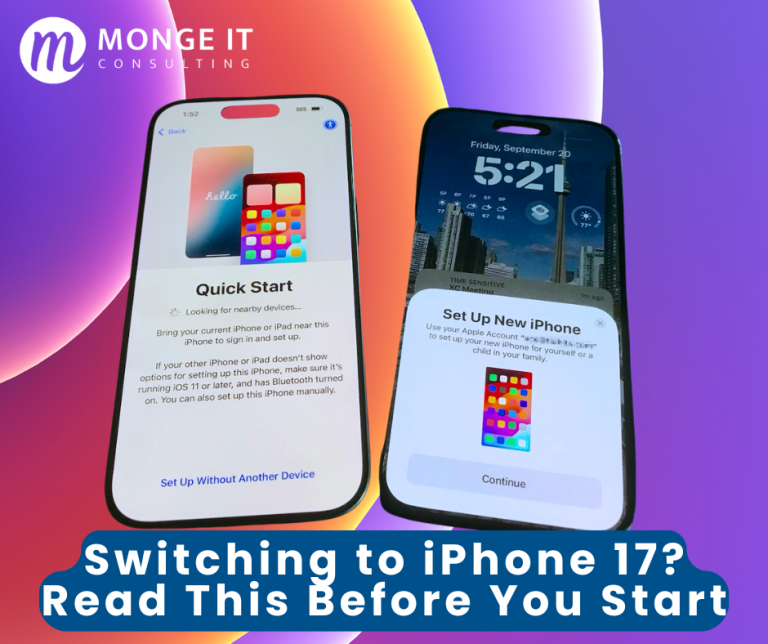
    Switching to iPhone 17? Read This Before You Start

    Are you considering getting one of the new iPhone 17 models? While it’s always tempting to unbox a new device and dive right in, taking a methodical approach will save you from potential frustrations down the road. When you’re ready to transfer your data—and, for many people, that means much of your digital life—to the…

    Read More Switching to iPhone 17? Read This Before You StartContinue

  • Apple Adds M5 Chip to MacBook Pro, iPad Pro, and Vision Pro

    Apple Adds M5 Chip to MacBook Pro, iPad Pro, and Vision Pro

    Apple’s fall harvest has yielded the new M5 chip, leading to updates for the entry-level 14-inch MacBook Pro, the iPad Pro lineup, and the Vision Pro. All three benefit from the M5’s significant performance boosts, but remain mostly unchanged otherwise. Availability starts on October 22. We anticipate that Apple will release M5 versions of the…

    Read More Apple Adds M5 Chip to MacBook Pro, iPad Pro, and Vision ProContinue

  • What Is Safe Mode, and When Should You Use It?

    What Is Safe Mode, and When Should You Use It?

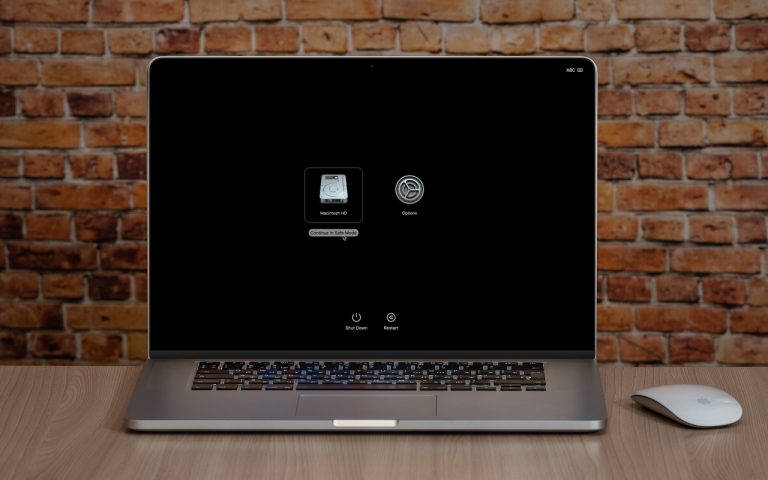
    Although Macs are highly reliable, unusual problems can still rear their ugly heads. Often, these issues are caused by software you’ve installed or accessories you’ve connected. If you’re experiencing Mac misbehavior that isn’t easily fixed by restarting, updating software, or unplugging a dodgy device, try safe mode. (Seriously, before checking if safe mode will help with a problem, you should always restart, ensure you’re running the latest version of macOS and any involved apps, and unplug non-essential peripherals.)

    Read More What Is Safe Mode, and When Should You Use It?Continue

  • Monge IT Windows to Mac Migration

    Windows to Mac Migration: A Case Study in Seamless Transition

    This white paper delves into the successful migration of BWM Global, a prominent supplier of premium promotional products and services to professional sports teams and corporate America, from a Windows-based IT infrastructure to a Mac centric environment. BWM Global encountered challenges due to slow hardware, outdated operating systems, and platform inconsistencies. The migration to a…

    Read More Windows to Mac Migration: A Case Study in Seamless TransitionContinue

  • Watch Out for Modern Tech Support Scams

    How to Watch Out for Modern Tech Support Scams

    Although Apple’s products and services generally live up to Steve Jobs’s phrase “it just works,” problems do occur, opening the door to scams targeting users seeking tech support. As professional providers of technical support, we’ve seen firsthand how these frauds have evolved from simple pop-ups to disturbingly convincing operations and how easy it is to…

    Read More How to Watch Out for Modern Tech Support ScamsContinue

  • Apple Unveils New iPhone 17 Lineup, Updated Apple Watches, and AirPods Pro 3

    Apple’s Awe Dropping… New iPhone 17 Lineup, Updated Apple Watches, and AirPods Pro 3

    In Apple’s world, September brings the fruits of Apple’s harvest: new iPhones, Apple Watches, and AirPods. At its recent Awe Dropping event, Apple introduced the new iPhone 17 lineup, the ultra-thin iPhone Air, the Apple Watch SE 3, Apple Watch Series 11, Apple Watch Ultra 3, and the AirPods Pro 3. We’re going to recap…

    Read More Apple’s Awe Dropping… New iPhone 17 Lineup, Updated Apple Watches, and AirPods Pro 3Continue

  • Recovering from a Failed Update with a Nearby iPhone or iPad

    Restore Nearby iPhone: Recover a Stuck Update on iPhone 16 or A17 Pro iPad mini

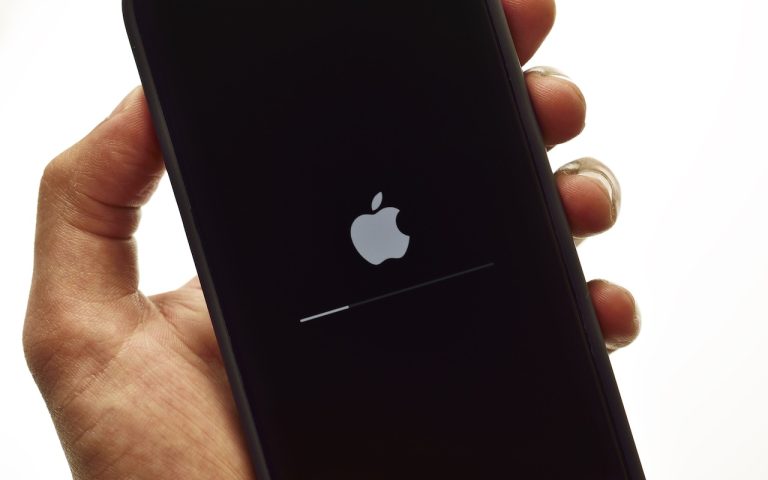
    If your iPhone 16 or A17 Pro iPad mini gets stuck during an update, Apple’s new recovery feature lets you use a nearby iPhone or iPad to get back up and running. We hope you never need this new recovery option that Apple has added to the iPhone 16 and current iPad mini (with an…

    Read More Restore Nearby iPhone: Recover a Stuck Update on iPhone 16 or A17 Pro iPad miniContinue

  • How to Check Personal Information on Google Search Monge Apple IT Gurnee

    How to Check Personal Information on Google Search

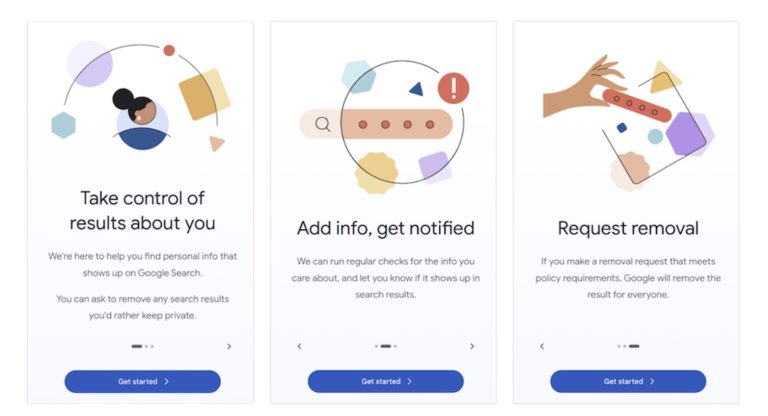
    Check Your Personal Information on Google! Google has created a free service that lets you see what of your personal and professional information has been published on the Web.

    Read More How to Check Personal Information on Google SearchContinue

  • 16 Billion Passwords Exposed in Recent Data Breach: Turn on 2FA!

    16 Billion Passwords Exposed in Recent Data Breach: Turn on 2FA!

    Data breaches keep coming, and the latest one revealed by Cybernews involves 16 billion passwords.

    Read More 16 Billion Passwords Exposed in Recent Data Breach: Turn on 2FA!Continue

Page navigation

Previous PagePrevious 1 2 3 4 … 44 Next PageNext

Monge IT Consulting Logo Color

© 2026 Monge IT Consulting, Inc.

Facebook Linkedin YouTube

Proud supporting partner of Matthias Community!

  • About
  • Plans
  • Quote
  • Tips
  • News
  • Testimonials
  • Contact
Search