Skip to content
Monge IT Consulting, Inc.
  • About
  • Plans
  • Quote
  • Tips
  • News
  • Testimonials
  • Contact
Monge IT Consulting, Inc.
  • Live Text Digitizes Text in Photos in iOS 15, iPadOS 15, and macOS 12 Monterey

    Live Text Digitizes Text in Photos in iOS 15, iPadOS 15, and macOS 12 Monterey

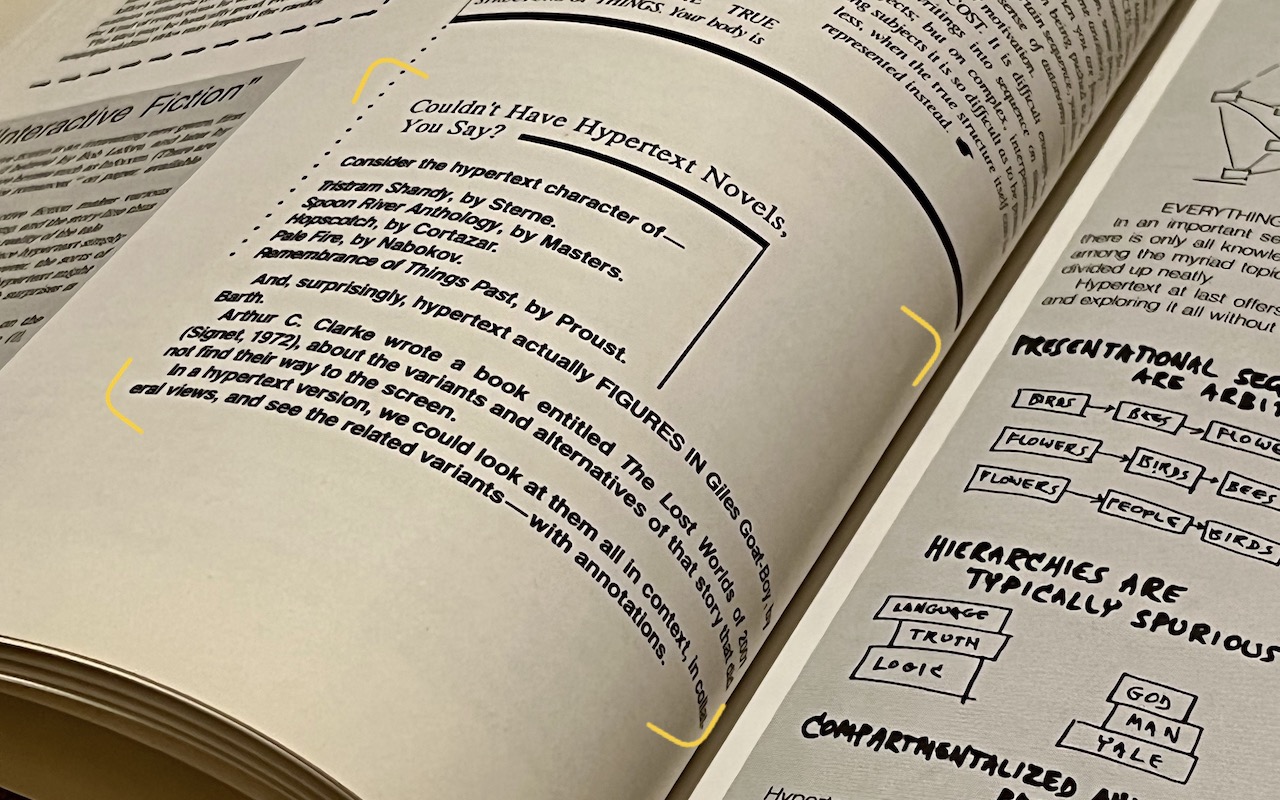
    The most magical feature of Apple’s latest crop of operating systems—iOS 15, iPadOS 15, and macOS 12 Monterey—may be Live Text. You’re probably familiar with the concept of optical character recognition (OCR), which turns all the text on a scanned page into normal text you can select, copy, and edit. Live Text does exactly that…

    Read More Live Text Digitizes Text in Photos in iOS 15, iPadOS 15, and macOS 12 MontereyContinue

  • Apple Provides Temporary iCloud Backup Space for New Device Transfers

    Apple Provides Temporary iCloud Backup Space for New Device Transfers

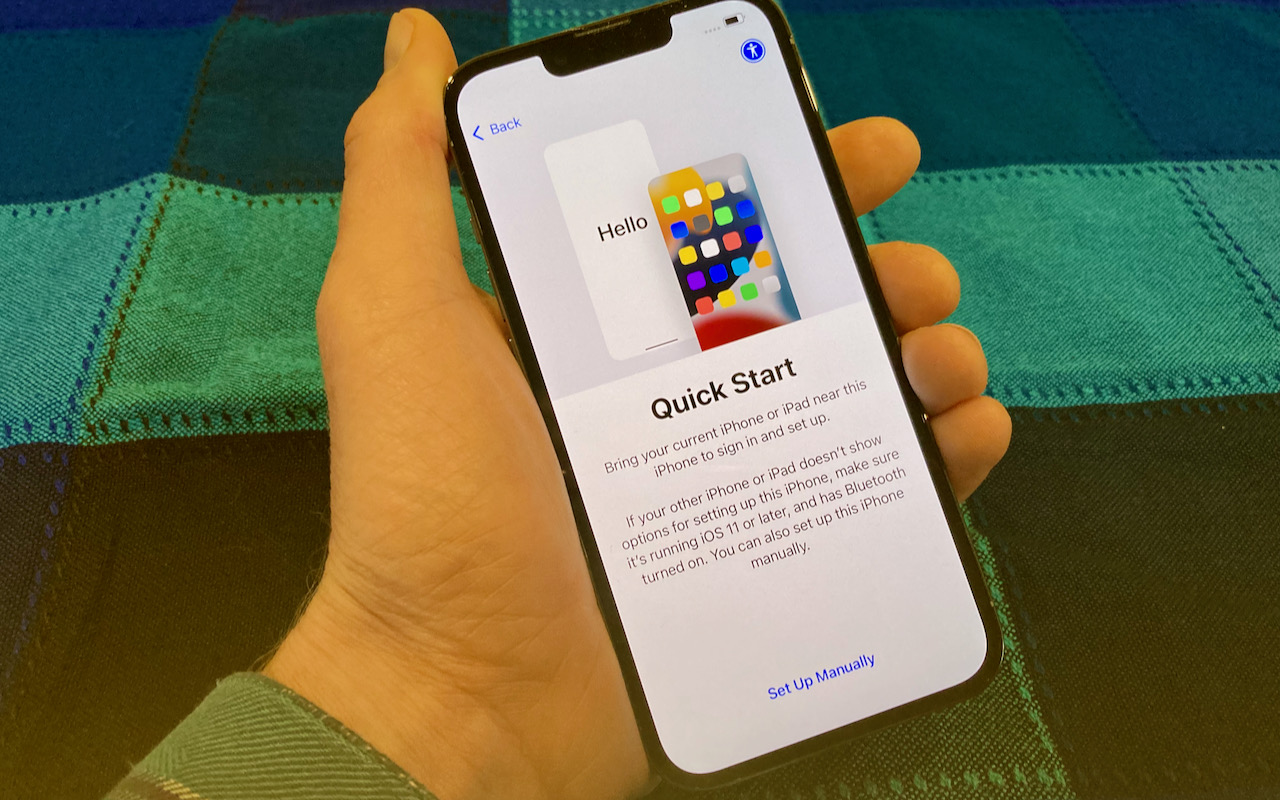
    When you move from an old iPhone or iPad to a new one, the easiest approach is often the Quick Start device-to-device transfer. But if that doesn’t work, or if you have to give up one device before receiving the other, iCloud Backup is a fine alternative. Fine, that is, if you have enough iCloud…

    Read More Apple Provides Temporary iCloud Backup Space for New Device TransfersContinue

  • New M1 Pro and M1 Max Chips Power the 14-inch and 16-inch MacBook Pros

    New M1 Pro and M1 Max Chips Power the 14-inch and 16-inch MacBook Pros

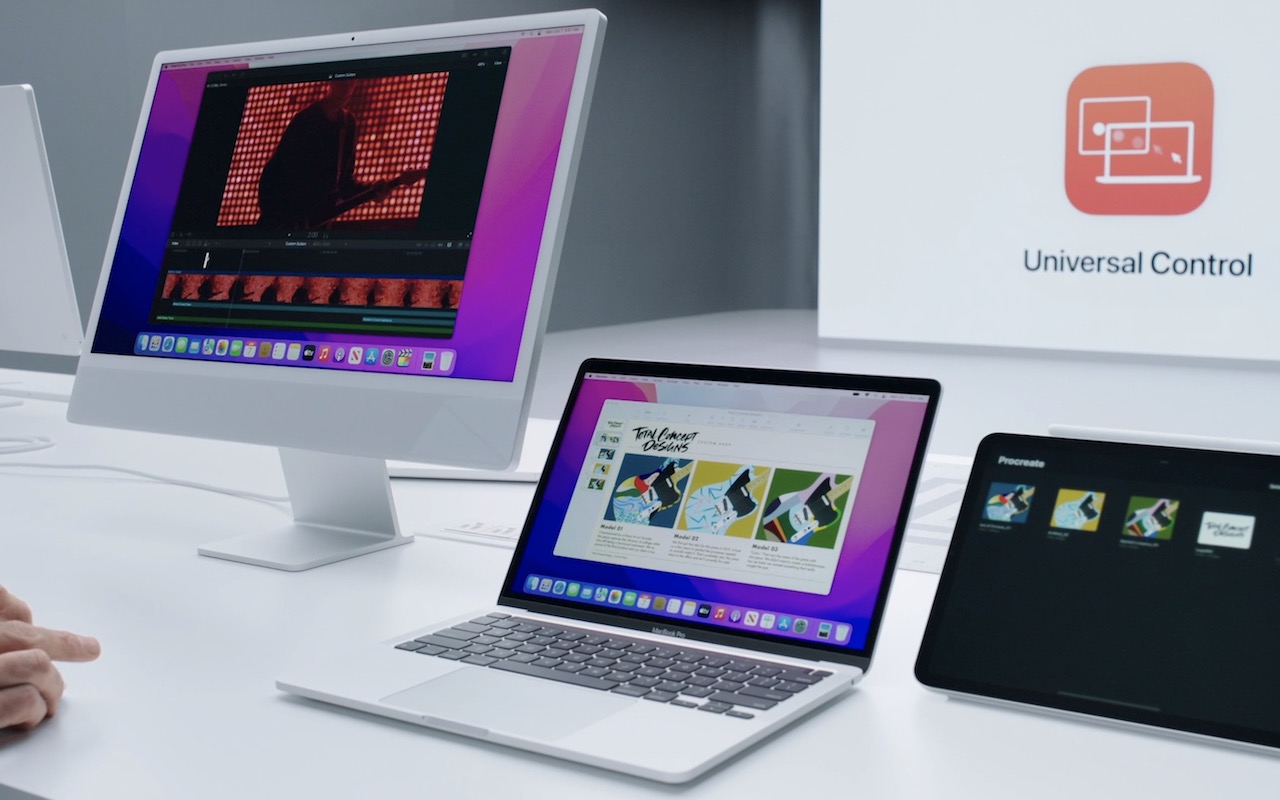
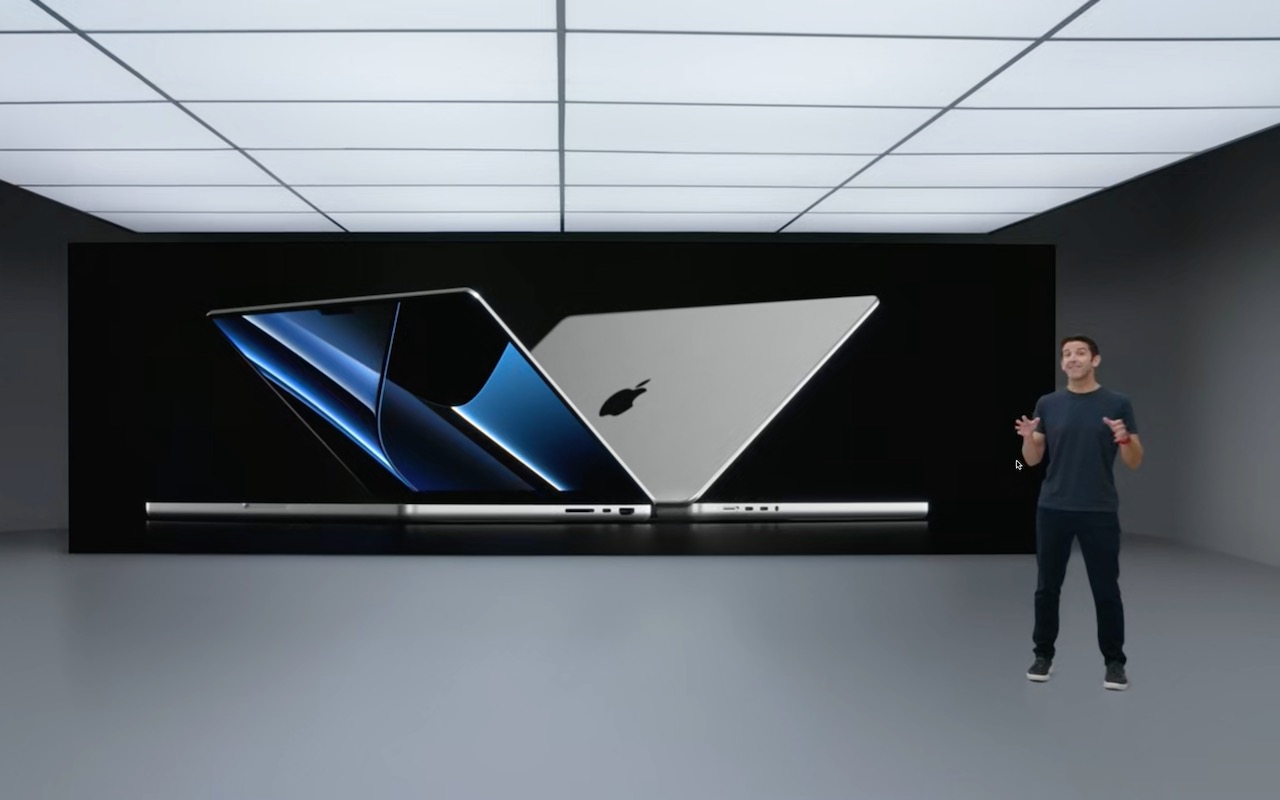
    Last year, Apple started to transition Macs away from Intel processors to its custom M1 system-on-a-chip. The M1’s performance is stellar, but Apple has used it only in low-end models so far: the MacBook Air, 13-inch MacBook Pro, Mac mini, and new 24-inch iMac. For professionals looking for more power, Apple unveiled the future of…

    Read More New M1 Pro and M1 Max Chips Power the 14-inch and 16-inch MacBook ProsContinue

  • Beware the Bulging Battery! (And What to Do If Yours Expands)

    Beware the Bulging Battery! (And What to Do If Yours Expands)

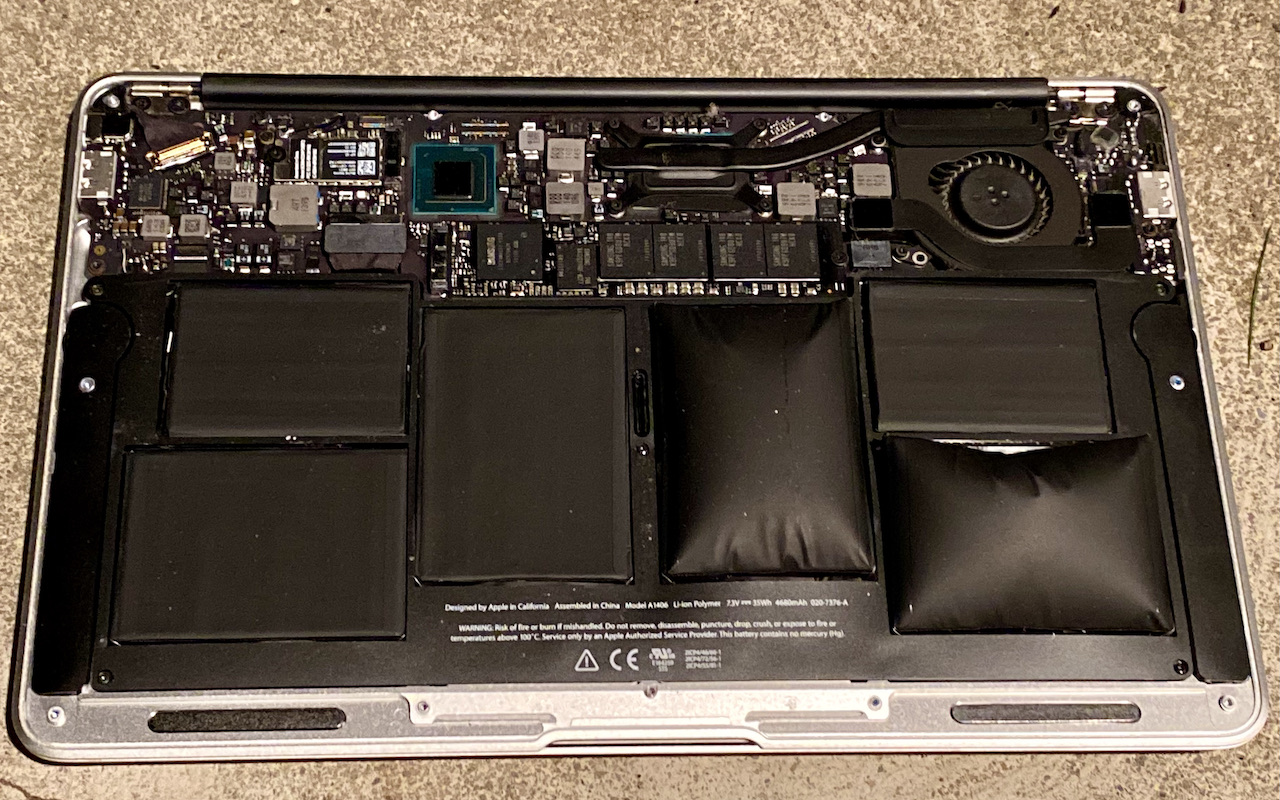
    We’ve been seeing a spate of bulging batteries of late, both in Mac laptops and iPhones. A bulging battery is a Very Bad Thing and must be dealt with immediately because it could catch fire or even explode. As lithium-ion batteries age, the chemical reactions that produce power no longer complete fully, resulting in the…

    Read More Beware the Bulging Battery! (And What to Do If Yours Expands)Continue

  • What Is iCloud+ and What Can You Do With It?

    What Is iCloud+ and What Can You Do With It?

    As you upgrade to iOS 15, iPadOS 15 (and macOS 12 Monterey by the end of the year), you’re going to see references to iCloud+. You might even already be an iCloud+ subscriber! That’s because iCloud+ is Apple’s new name for what you get if you pay for additional iCloud storage for yourself and up…

    Read More What Is iCloud+ and What Can You Do With It?Continue

  • New Features to Try (Or Not) in Safari 15

    New Features to Try (Or Not) in Safari 15

    Along with a new version of Safari in iOS 15 and iPadOS 15, Apple has released Safari 15 for macOS 11 Big Sur and macOS 10.15 Catalina. Why do this before macOS 12 Monterey ships? Some of the browser’s new capabilities—notably the Tab Groups feature—integrate it more deeply into your Apple device experience by syncing…

    Read More New Features to Try (Or Not) in Safari 15Continue

  • When Migrating to a New iPhone or iPad, Try Quick Start First

    When Migrating to a New iPhone or iPad, Try Quick Start First

    You have a new iPhone or iPad—congratulations! When transferring your data to the new device, you have three options: Quick Start, an iCloud backup, or a Mac backup. All will work, but they don’t quite provide the same end result (particularly if you didn’t encrypt your Mac backup). Our advice—backed by this post from Apple…

    Read More When Migrating to a New iPhone or iPad, Try Quick Start FirstContinue

  • After Upgrading to iOS 15, Check Do Not Disturb in Focus Settings

    After Upgrading to iOS 15, Check Do Not Disturb in Focus Settings

    In iOS 15 and iPadOS 15, Apple expanded the concept of Do Not Disturb to what it calls Focus. You can create a Focus for different types of activities allowing only specific people and apps to break through your cone of silence at appropriate times. Focus subsumes the old Do Not Disturb functionality, and your…

    Read More After Upgrading to iOS 15, Check Do Not Disturb in Focus SettingsContinue

  • Apple’s 2021 Crop: Four iPhones, Two iPads, and an Apple Watch

    Apple’s 2021 Crop: Four iPhones, Two iPads, and an Apple Watch

    September is traditionally when new iPhones are ripe for the picking, and this year’s crop is no exception. At its California Streaming event on September 14th, Apple unveiled four iPhone 13 models. Apple also announced the expected Apple Watch Series 7, but entirely unanticipated were an upgrade to the iPad and a redesigned iPad mini….

    Read More Apple’s 2021 Crop: Four iPhones, Two iPads, and an Apple WatchContinue

  • When Should You Upgrade to macOS 12 Monterey, iOS 15, iPadOS 15, watchOS 8, and tvOS 15?

    When Should You Upgrade to macOS 12 Monterey, iOS 15, iPadOS 15, watchOS 8, and tvOS 15?

    Apple is gearing up to release macOS 12 Monterey, iOS 15, iPadOS 15, watchOS 8, and tvOS 15. We take a brief look at the features worth upgrading for and suggest when to upgrade each of your Apple devices.

    Read More When Should You Upgrade to macOS 12 Monterey, iOS 15, iPadOS 15, watchOS 8, and tvOS 15?Continue

Page navigation

Previous PagePrevious 1 … 26 27 28 29 30 … 44 Next PageNext

Monge IT Consulting Logo Color

© 2026 Monge IT Consulting, Inc.

Facebook Linkedin YouTube

Proud supporting partner of Matthias Community!

  • About
  • Plans
  • Quote
  • Tips
  • News
  • Testimonials
  • Contact
Search