Calendar Events on an iPad – Video Tip
Adding and editing calendar events on and iPad and iPhone is easy. But there is no need to add events by touching the plus sign. Learn other ways of working with events.


Adding and editing calendar events on and iPad and iPhone is easy. But there is no need to add events by touching the plus sign. Learn other ways of working with events.
Converting Apple Mail emails to import into Outlook for Mac Why, oh why ,would you want to move from Apple’s Mail.app to Microsoft Outlook on the Mac? Maybe your company policy states you must. Maybe you bought Microsoft Office for the Mac 2011 and want to use Outlook now. Whatever the case, getting email out…
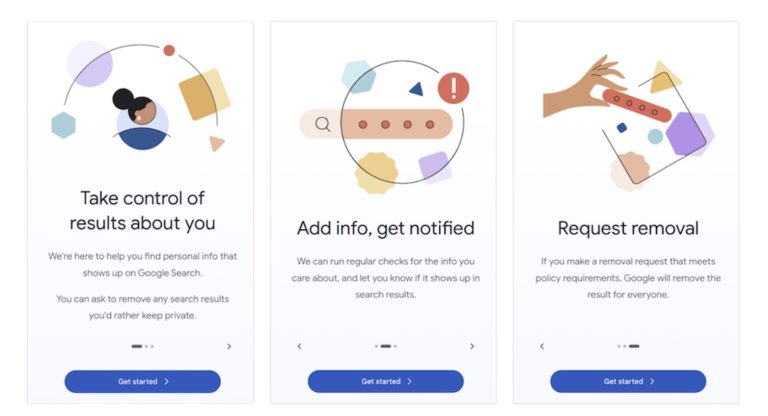
Check Your Personal Information on Google! Google has created a free service that lets you see what of your personal and professional information has been published on the Web.

Imagine you’re on vacation, staying at an Airbnb and collecting tourist points in the surrounding area throughout the day. Since you’ll be heading back to your Airbnb regularly but may not remember its address reliably, it’s best to make it a favorite in Maps before you even leave home. That way, you can navigate to…

If you haven’t noticed, when you wake your phone by pressing the home button, or press the sleep wake button at the top, you get a screen similar to the one below. What you may not have noticed is that you have access to three different features of the phone without even having to unlock…

Apple users often rely on AirDrop, Messages, email, cloud storage, or public file-sharing links when transferring files. While these methods are acceptable for everyday use, they can fall short when working with large files, confidential data, or sharing across platforms. That’s where Blip comes in. Blip is a peer-to-peer file transfer tool that works seamlessly…
In July 2017, Adobe announced that it would stop distributing and updating Flash Player on December 31st, 2020. Web standards like HTML5 provide a viable alternative to Flash content, and organizations that relied on Flash have had three years to replace it. Because Adobe will no longer be addressing security vulnerabilities in Flash with updates,…