
Skip to content
Monge IT Consulting, Inc.
  • About
  • Plans
  • Quote
  • Tips
  • News
  • Testimonials
  • Contact
Monge IT Consulting, Inc.
  • Customize Folder Colors and Icons in macOS 26 Tahoe

    Customize Folder Colors and Icons in macOS 26 Tahoe

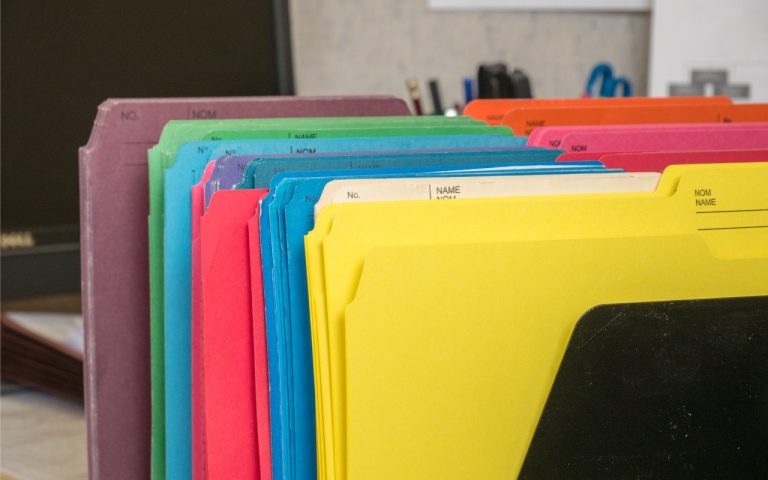
    In macOS 26 Tahoe, Apple has made it easier to customize folder appearance in the Finder. Control-click any folder and choose Customize Folder. In the panel that appears, click a colored circle to apply that color and then select an icon to display on the folder. Click the Emoji button to choose from the full…

    Read More Customize Folder Colors and Icons in macOS 26 TahoeContinue

Monge IT Consulting Logo Color

© 2026 Monge IT Consulting, Inc.

Facebook Linkedin YouTube

Proud supporting partner of Matthias Community!

  • About
  • Plans
  • Quote
  • Tips
  • News
  • Testimonials
  • Contact
Search