Mac Users Beware: The Fake CAPTCHA Scam You Shouldn’t Ignore
We’ve warned before about scams that trick users into pasting malicious commands into Terminal, and they’re becoming more common.
Attackers are now creating fake CAPTCHA pages that look like trusted tools, often mimicking Cloudflare’s “are you a human” checks. Instead of a simple click, users are instructed to open Terminal, paste a command, and press Return. Because the user runs the command themselves, macOS security protections can be bypassed.
(Featured image by iStock.com/thomaguery)
Researchers at Malwarebytes recently identified a macOS infostealer called Infiniti Stealer that spreads this way, stealing sensitive data like Keychain passwords, browser logins, and cryptocurrency wallets:
https://www.malwarebytes.com/blog/threat-intel/2026/03/infiniti-stealer-a-new-macos-infostealer-using-clickfix-and-python-nuitka
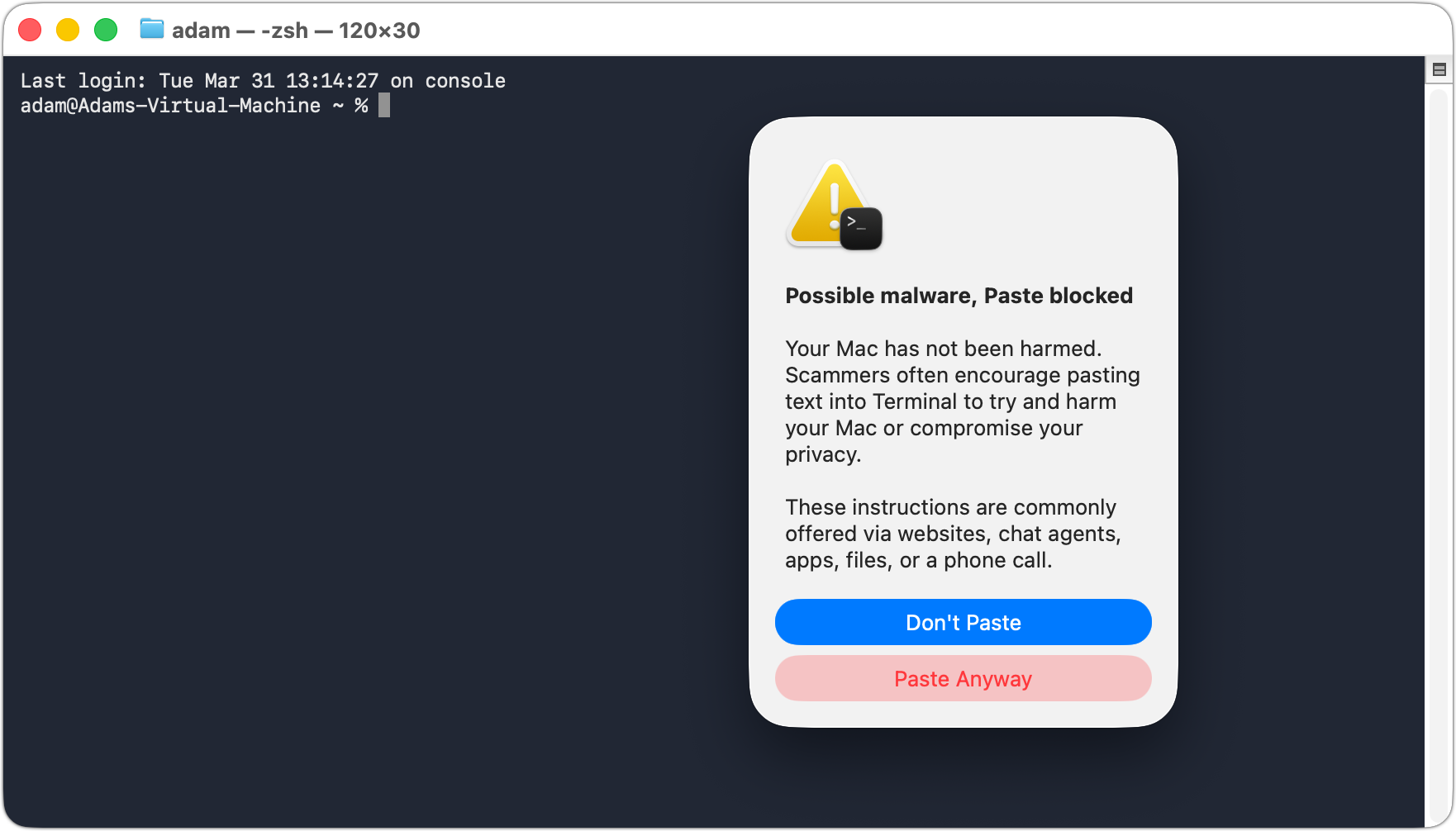
Apple has responded by adding a warning in macOS 26.4 Tahoe when users paste potentially dangerous commands into Terminal. However, this protection is still limited. In testing, the warning only appeared once, and subsequent attempts produced minimal alerts:
https://www.bleepingcomputer.com/news/security/apple-adds-macos-terminal-warning-to-block-clickfix-attacks/
Keep this in mind:
- Never paste Terminal commands from a website unless you fully trust it
- If you don’t understand a command, don’t run it
The most important rule is simple:
No legitimate CAPTCHA will ever require Terminal commands.