Skip to content
Monge IT Consulting, Inc.
  • About
  • Plans
  • Quote
  • Tips
  • News
  • Testimonials
  • Contact
Monge IT Consulting, Inc.
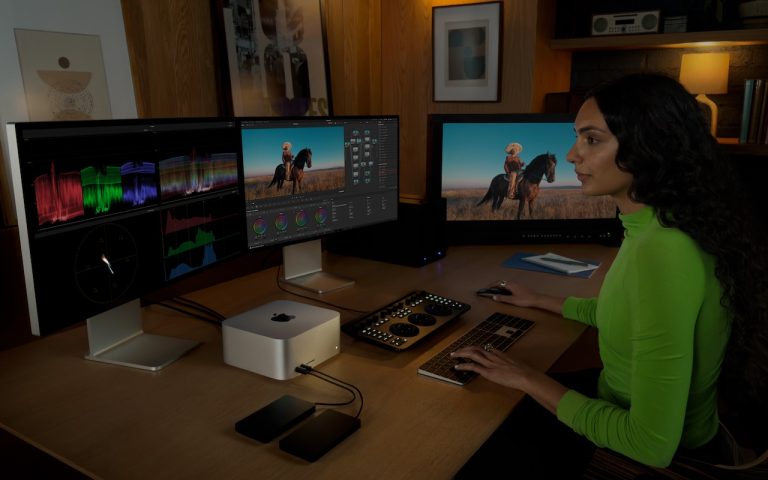
  • Apple Updates Mac Studio with M4 Max and M3 Ultra Chips

    Apple Updates Mac Studio with M4 Max and M3 Ultra Chips

    In the first update to the Mac Studio since 2023, Apple has refreshed its professional powerhouse with new chip options and support for speedy Thunderbolt 5 peripherals. Previously, the Mac Studio was powered by the M2 Max and M2 Ultra; Apple has now replaced them with the M4 Max, which debuted last year in the…
    Read More Apple Updates Mac Studio with M4 Max and M3 Ultra ChipsContinue

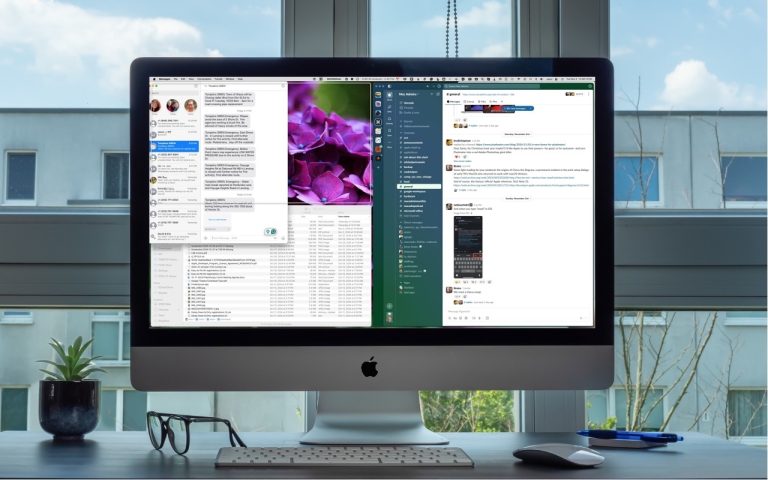
  • How (and Why) to Use iPhone Mirroring on Your Mac

    What You Need to Know About iPhone Mirroring

    With macOS 15 Sequoia and iOS 18, iPhone Mirroring lets you use your iPhone in a window on your Mac. Learn how to set it up and make the most of it.

    Read More What You Need to Know About iPhone MirroringContinue

  • Apple’s January 2025 Releases Enhance Apple Intelligence Features

    Apple’s January 2025 Releases Enhance Apple Intelligence Features

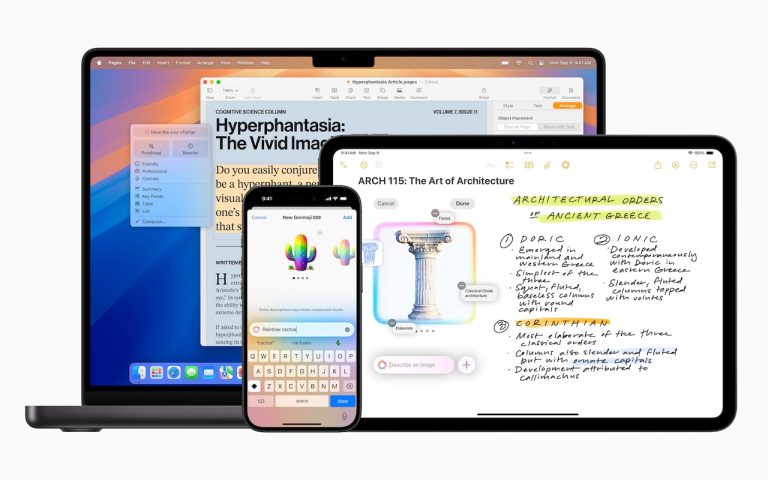
    Apple unveiled Apple Intelligence in October 2024 and expanded its extensive collection of AI-powered features with its December updates. The company’s January 2025 releases of macOS 15.3 Sequoia, iOS 18.3, and iPadOS 18.3 enhanced the feature set in several notable ways. Remember, Apple Intelligence features operate only on a Mac with Apple silicon, an iPhone…

    Read More Apple’s January 2025 Releases Enhance Apple Intelligence FeaturesContinue

  • Safari 18 Adds Highlights, Distraction Control, Redesigned Reader, and Video Viewer

    Safari 18 Adds Highlights, Distraction Control, Redesigned Reader, and Video Viewer

    Alongside this year’s crop of operating systems comes Safari 18, the latest version of Apple’s Web browser. Most of what you do in Safari depends on the websites you use, of course, but Apple has added a handful of features aimed at improving your overall browsing experience, including Highlights, Distraction Control, a redesigned Reader, and Video Viewer.

    Read More Safari 18 Adds Highlights, Distraction Control, Redesigned Reader, and Video ViewerContinue

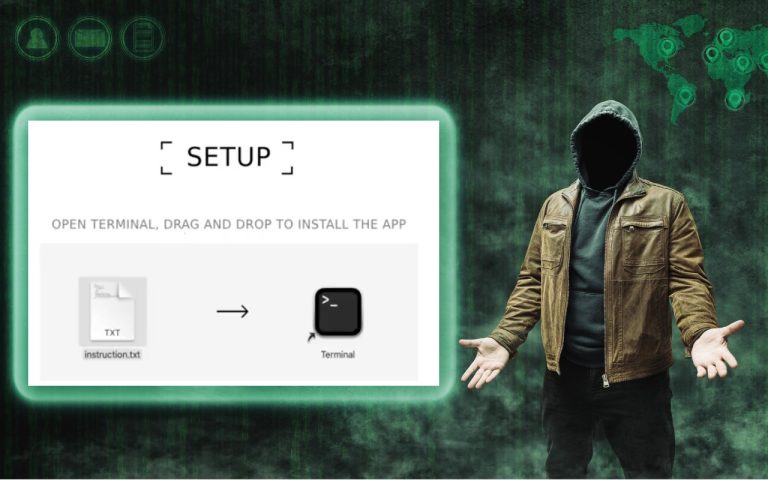
  • Don’t Listen to Anyone Who Tells You to Drag a Text File into Terminal

    Don’t Listen to Anyone Who Tells You to Drag a Text File into Terminal

    In macOS 15 Sequoia, Apple made it more difficult to bypass Gatekeeper to run apps that aren’t notarized. (Notarization is one of the ways Apple ensures that apps distributed outside the Mac App Store are unmodified and free from malware.) Cybercriminals have responded to this increase in security with a new social engineering attack. They…

    Read More Don’t Listen to Anyone Who Tells You to Drag a Text File into TerminalContinue

  • Control Window Tiling in macOS 15 Sequoia

    Control Window Tiling in macOS 15 Sequoia

    One of macOS 15 Sequoia’s most noticeable additions is a new form of window tiling. Drag a window to the menu bar to expand it to fill the screen, to the left or right edge to resize it to half the screen, or to a corner to resize it to that quarter of the screen….

    Read More Control Window Tiling in macOS 15 SequoiaContinue

Page navigation

Previous PagePrevious 1 2

Monge IT Consulting Logo Color

© 2025 Monge IT Consulting, Inc.

Facebook Linkedin YouTube

Proud supporting partner of Matthias Community!

  • About
  • Plans
  • Quote
  • Tips
  • News
  • Testimonials
  • Contact
Search