
Skip to content
Monge IT Consulting, Inc.
  • About
  • Plans
  • Quote
  • Tips
  • News
  • Testimonials
  • Contact
Monge IT Consulting, Inc.
  • Never Save Your Work in These Locations

    The Worst Places to Store Important Data

    Technology has changed, but one thing remains the same—people still store important files in the worst places. In the early days of personal computing, a college student famously ruined a floppy disk by sticking it to his fridge with a magnet. While no one uses floppy disks anymore, modern versions of this mistake still happen….

    Read More The Worst Places to Store Important DataContinue

  • Safari 18 Adds Highlights, Distraction Control, Redesigned Reader, and Video Viewer

    Safari 18 Adds Highlights, Distraction Control, Redesigned Reader, and Video Viewer

    Alongside this year’s crop of operating systems comes Safari 18, the latest version of Apple’s Web browser. Most of what you do in Safari depends on the websites you use, of course, but Apple has added a handful of features aimed at improving your overall browsing experience, including Highlights, Distraction Control, a redesigned Reader, and Video Viewer.

    Read More Safari 18 Adds Highlights, Distraction Control, Redesigned Reader, and Video ViewerContinue

  • Control Window Tiling in macOS 15 Sequoia

    Control Window Tiling in macOS 15 Sequoia

    One of macOS 15 Sequoia’s most noticeable additions is a new form of window tiling. Drag a window to the menu bar to expand it to fill the screen, to the left or right edge to resize it to half the screen, or to a corner to resize it to that quarter of the screen….

    Read More Control Window Tiling in macOS 15 SequoiaContinue

  • Use Quick Look to Preview Files and Folders in the Finder, Spotlight, and Open Dialogs

    Use Quick Look to Preview Files and Folders in the Finder, Spotlight, and Open Dialogs

    Finder icons sometimes hint at their file’s contents, but if you find yourself opening file after file to look at the contents quickly, the Mac has a little-known feature just for you: Quick Look. To give it a spin, select a file in the Finder and press the Space bar or Command-Y. If Quick Look…

    Read More Use Quick Look to Preview Files and Folders in the Finder, Spotlight, and Open DialogsContinue

  • First Wave of Apple Intelligence Features Appear in macOS 15.1 Sequoia, iOS 18.1, iPadOS 18.1

    Exploring Apple Intelligence: New Features in macOS 15.1, iOS 18.1

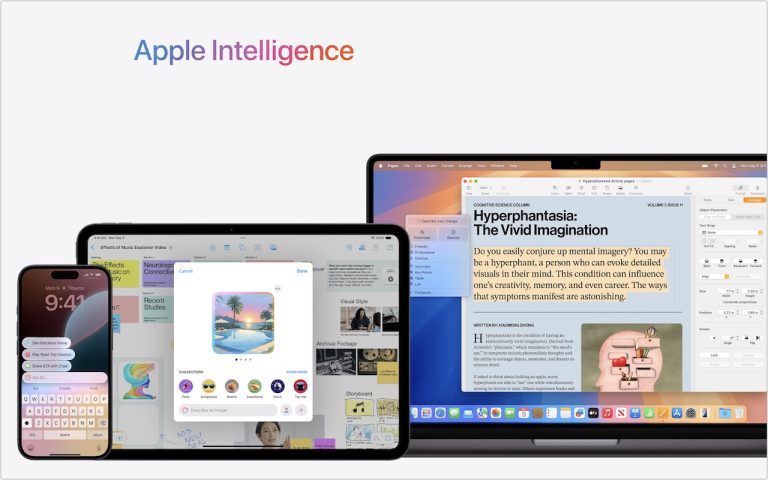
    Is it time to make your Apple devices smarter? Apple has just released macOS 15.1 Sequoia, iOS 18.1, and iPadOS 18.1 with an initial collection of Apple Intelligence features and a promise of more coming in December. The company is making a big deal about Apple Intelligence, calling it out as a key feature of […]

    Read More Exploring Apple Intelligence: New Features in macOS 15.1, iOS 18.1Continue

  • Apple’s Tips App Provides Extensive User Guides and Helpful How-Tos

    How to Use Apple’s Tips App for iPhone, iPad & Mac Mastery

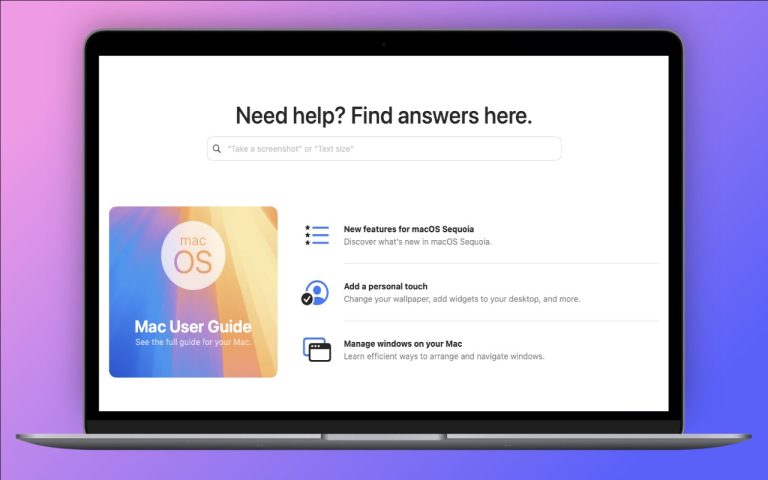
    Get the most from your iPhone, iPad, or Mac with Apple’s Tips app in iOS 18 and macOS Sequoia.

    Read More How to Use Apple’s Tips App for iPhone, iPad & Mac MasteryContinue

  • Passwords Becomes a Real App in macOS 15 Sequoia, iOS 18, and iPadOS 18

    Guide to Apple’s New Passwords App in macOS and iOS

    Although we’re fans of 1Password and plenty of other good password managers, like BitWarden and Dashlane, Apple has finally removed the last hurdle to using its built-in password management capabilities. Starting in macOS 15 Sequoia, iOS 18, iPadOS 18, and visionOS 2, Passwords is now a real app rather than being trapped inside Safari, System…

    Read More Guide to Apple’s New Passwords App in macOS and iOSContinue

  • Setting Up and Managing iCloud+ Storage

    How to Manage and Maximize iCloud+ Storage for Your Apple Devices

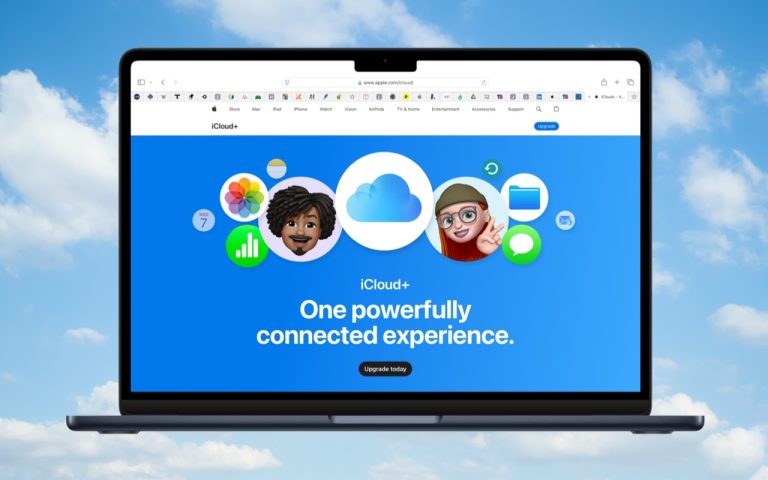
    Apple’s online iCloud storage underpins many of the company’s services, including iCloud Photos, iCloud Drive, iCloud Backup (for iPhones and iPads), iCloud Mail, and Messages in iCloud. Numerous independent apps also rely on iCloud storage to sync data between devices. Apple gives everyone 5 GB of storage for free, enough for core services like iCloud…

    Read More How to Manage and Maximize iCloud+ Storage for Your Apple DevicesContinue

  • In iOS 18 and iPadOS 18, Control Center Is Now Highly Customizable

    How to Customize Control Center in iOS 18 and iPadOS 18

    Control Center has been a part of our iPhone and iPad experience for over a decade, first appearing in iOS 7 in 2013. It provides access to essential controls so we don’t have to hunt through Settings or apps. Overall, it has been a welcome addition. Although Control Center has changed slightly over the years,…

    Read More How to Customize Control Center in iOS 18 and iPadOS 18Continue

  • Set macOS to Require a Password after Screen Saver Start or Display Sleep

    Protect Your Mac from Unauthorized Access: Local Security Settings You Need

    We’ve been talking a about digital security since the beginning of the year.  While online security often takes center stage, it is just as crucial to protect your Mac from unauthorized access when you step away. You wouldn’t want someone browsing through your emails, messages, or private files while you’re out for lunch. Many people…

    Read More Protect Your Mac from Unauthorized Access: Local Security Settings You NeedContinue

Page navigation

Previous PagePrevious 1 2

Monge IT Consulting Logo Color

© 2026 Monge IT Consulting, Inc.

Facebook Linkedin YouTube

Proud supporting partner of Matthias Community!

  • About
  • Plans
  • Quote
  • Tips
  • News
  • Testimonials
  • Contact
Search