Restore From Time Machine
September 13th is International Verify Your Backup Day. If you forgot to do it, or didn’t know how, the video below shows you how to retrieve a file that was deleted from your Time Machine backup:


September 13th is International Verify Your Backup Day. If you forgot to do it, or didn’t know how, the video below shows you how to retrieve a file that was deleted from your Time Machine backup:

If your Apple devices suddenly look like they belong in a science fiction movie, you are not imagining it. Apple has introduced a brand-new visual language called Liquid Glass, a shimmering and semi-transparent interface that now appears across iOS 26, iPadOS 26, macOS 26 Tahoe, and even watchOS, visionOS, and tvOS. For simplicity, we can…
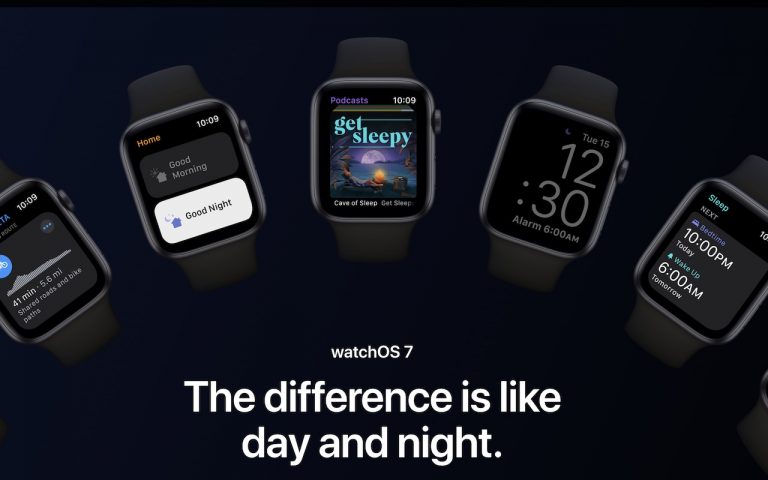
The small screen of the Apple Watch prevents new watchOS features from being as obvious or splashy as those in iOS and iPadOS. But watchOS 7, now available for the Apple Watch Series 3 and later when paired with an iPhone 6s or later running iOS 14, has quite a few notable changes. Here are…
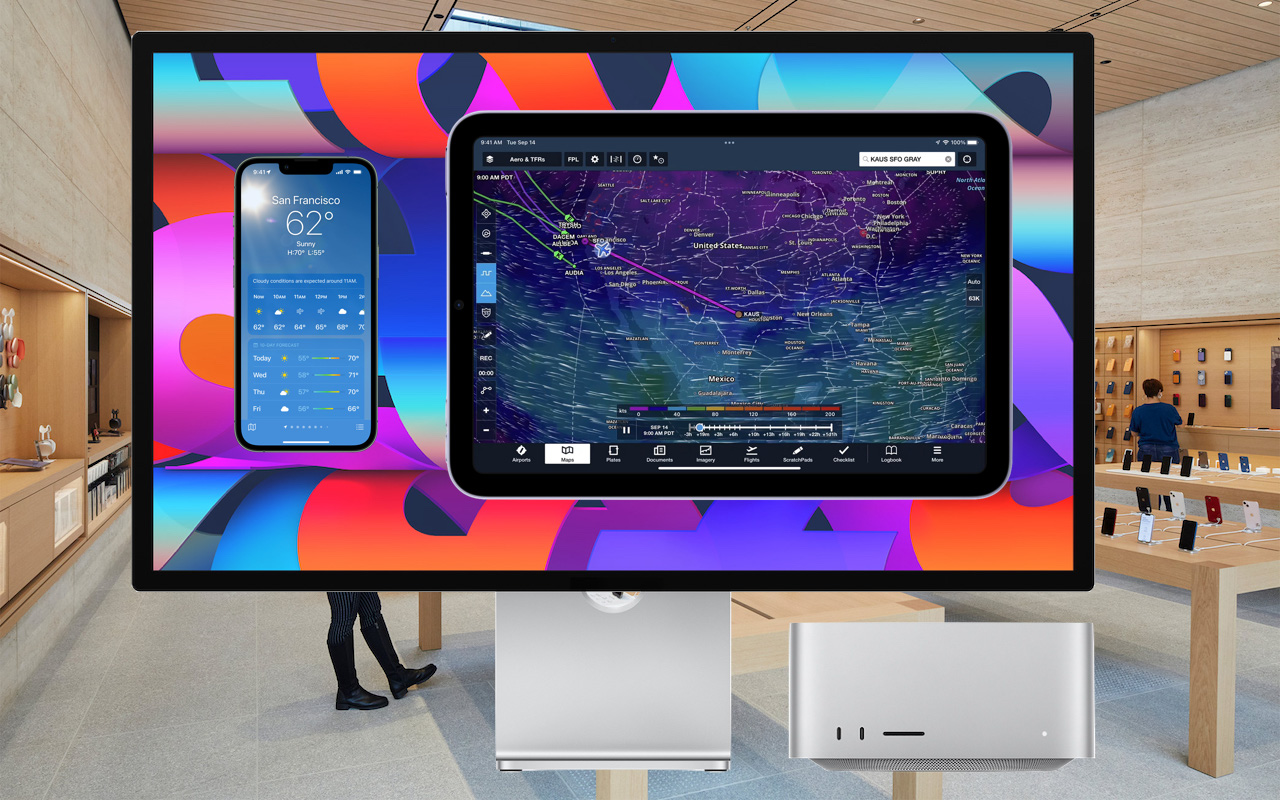
Much has been written about the performance benefits of Apple’s M1 family of chips, but you may not have realized that M1-based Macs can also run many iPhone and iPad apps. It makes sense, given that the M1 chip grew out of the work Apple did for the A-series processors in the iPhone and iPad,…

Not only can iCloud sync (i.e. keep the same copy of) your contacts and calendars, it can sync pictures and videos between your Mac, iPhone, and iPad. Now, here are a few items to take into consideration if you’d like to sync photos and videos: How big is your photo library? How much space do…

Apple recently released iOS 13.5, incorporating a new Exposure Notification API in response to the global COVID-19 pandemic. The Exposure Notification API could lower contact tracing costs, reduce the spread of COVID-19, prevent life-changing health consequences, and save lives. At worst, it won’t prove particularly effective. In neither case does it pose any threat to…
Stop Stubborn Popup Windows: Even if you have popup windows blocked in Safari (Safari menu —> Preferences —> Security) You may have (or will) run into a certain type of window where there is no way of closing the window. While this is popular with Windows users in mind, the Mac version has been gaining popularity. This little…